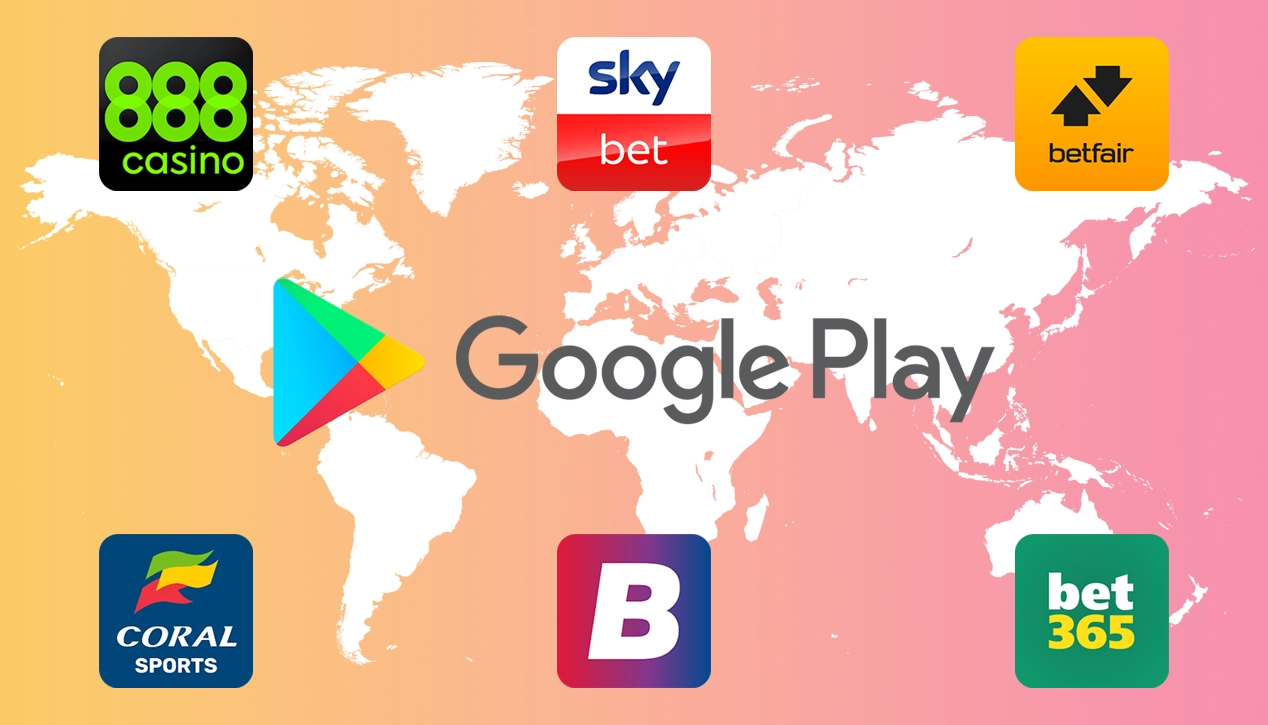
Can’t find betting apps on your Android device in 2026? You aren’t alone. In the UK, licensed betting apps are on the Google Play Store, so if you can’t see them the most common issue is location: Google Play only lists gambling apps in the countries it allows.
In this guide, we’ll explain exactly why this happens and how it affects you, and walk you through easy steps to download your favourite app directly to your phone.
Click here to skip to the “How to Download” section
Why Aren’t Betting Apps Available on the Play Store?
Google allows real money gambling apps on the Play Store, but licensed operators must submit them, and the application process can be tricky. The process is complicated by differing rules by region, which causes some bookies not to bother. After adding another batch of countries to its Country/region allowances list for gambling apps, Google has shown that it is focused on expanding the number of countries it services.
The problem: You are in a country where Google doesn’t offer support for betting apps in the Play Store, or your chosen poker, casino or sports betting app has not been submitted to the store in your country.
The Solution: In the UK, check that your Google account’s Play Store country is set to the United Kingdom, then search for the app by name; our download steps are below. If the app isn’t available where you are, the bookie’s mobile website works much like the app, as long as the bookie accepts customers from your country. Copies of betting apps also turn up as APKs on third-party app stores, but we advise against installing them.
Google’s Policy on Gambling Apps
Google’s developer policy states that real money gambling, games, and contests are allowed in selected countries, provided they meet specified requirements.
You can see the online gambling products Google allows, along with the requirements they must meet in their Real money gambling, games and contests policy.
Which Bookies Have Android Betting Apps?
While some bookmakers aren’t providing apps for their customers directly from their website, they should have listed the app on the Play Store for countries where it’s available. If you look at our list of Android Betting Apps, you can find guides on downloading and installing apps for each bookie. You can also learn more about How Betting Apps Work from our new guide.
If you are unlucky and your chosen bookie hasn’t made an app for your device yet, try our guides on adding a bookie’s mobile site to your mobile’s main screen. It’s simple and almost as good as having a proper app.
What If Your Bookie Doesn’t Have A Betting App For Android?
As mentioned above, our guides also show you how to use your bookie’s mobile website to create your mobile app. This isn’t as good as having the proper Android app, but it creates easy website access for making quick bets on the go.
Using the mobile site can save hassle as apps can have usability issues you’ll have to live with until they get updated! Using the mobile site as an app means you don’t have to put up with this.
How To Download Android Betting Apps
If you want to find out if your bookie has an Android betting app available for your device, take a look at our Android Betting Apps page and select your bookie. Alternatively, check below to see which apps are available on the Google play store. Every app below is on Google Play in the UK, and each guide has the download steps:
T&C’s apply, 18+ and Gamble Aware
Betting Apps Available on Google Play Store
Bet365 App
How to download the bet365 Android app
The bet365 app is on Google Play in the UK as “bet365 – Sports Betting” from Hillside Technology Limited. bet365 has offered its app as a direct download in the past, and copies turn up on APK sites, but we’d install it from Google Play. Our bet365 guide has the steps.
We have also specifically covered why you can’t download the bet365 app and how to make it work.

Ladbrokes Android App
How to download the Ladbrokes Android app
The Ladbrokes app is on Google Play in the UK as “Ladbrokes™ Sports Betting App” from Ladbrokes Mobile Development, and it needs Android 9 or later. Ladbrokes also has separate casino and poker apps that use the same account. Our Ladbrokes guide has the steps.

Paddy Power Android App
How to download the Paddy Power Android app
The Paddy Power app is on Google Play in the UK as “Paddy Power Sports Betting” from PaddyPower PLC, so you can install it straight from the Play Store and log in with your Paddy Power account. Our Paddy Power guide has the steps.

Betfred Android App
How to download the Betfred Android app
Found yourself asking why you can’t download the Betfred App on Android? The app is on Google Play in the UK as “Betfred Sports, Casino & Games” from Betfred Technology Ltd. If it doesn’t show up, the usual causes are your Play Store country or your location. Take a look at our Betfred download guide for the steps.

Coral Android App
How to download the Coral Android app
The Coral app is on Google Play in the UK as “Coral™ Football Sports Betting” from LC International Limited, so you can install it straight from the Play Store. Our Coral guide has the steps for Android and iPhone.

Unibet Android App
How to download the Unibet Android app
The Unibet app is on Google Play in the UK as “Unibet – Sports Betting & Odds” from Kindred (London) Limited, so you can install it straight from the Play Store. Our Unibet guide has the steps for Android and iPhone.
Finding no Betting Apps on Android devices?
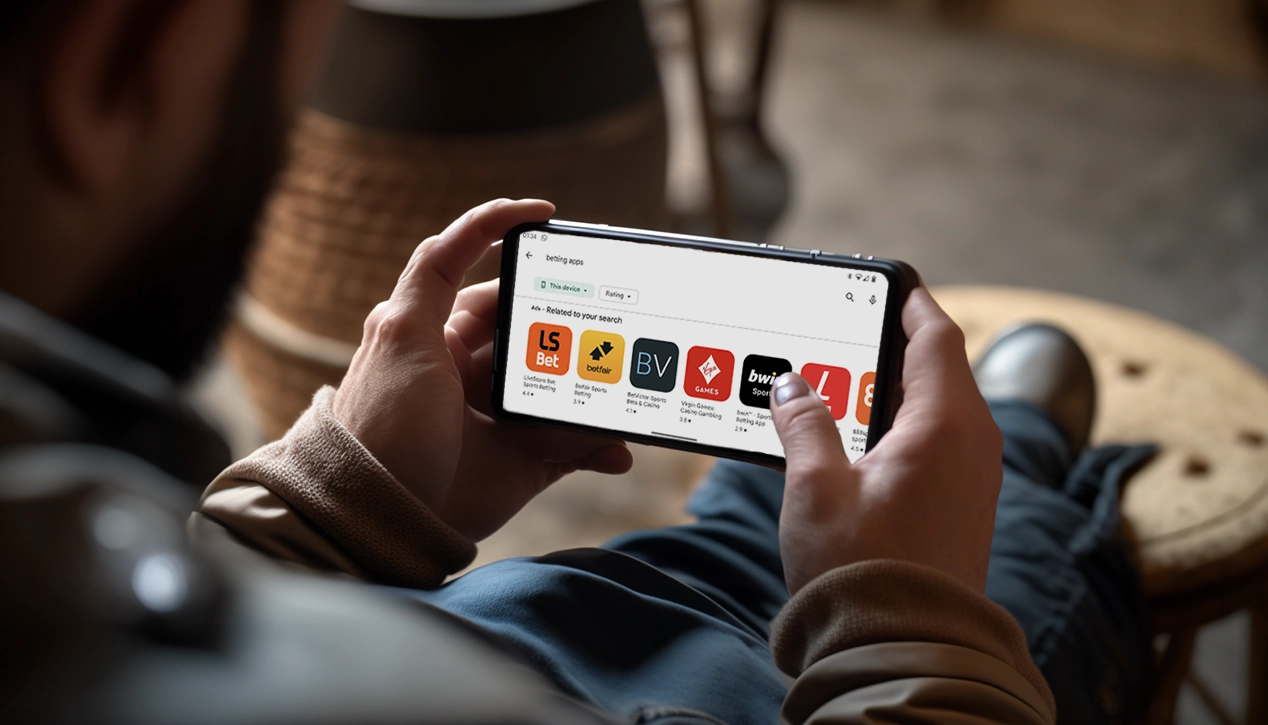
One question we see a lot is from people not being able to find any betting apps on their mobile if it’s running Android. The main reason for this is usually location. Google Play only allows gambling apps in the countries on its list, and each country has its own limits. The United Kingdom is on that list, for online casino games, sports betting and lotteries.
Read Google’s Country/region allowances for gambling apps for the specific limitations for each country.
Available Countries & Limitations
Even in these countries, some limitations might exclude many well-known betting apps. These limitations vary for each country; for example in the UK online casino games, sports betting and Lotteries can be listed subject to licensing requirements. For the full up to date list, including each allowed country’s limitations Google has them listed on Play Console Help.
Third Party App Stores
If this doesn’t help, there are other app stores where you can find available Android apps (or APK as apps created for Android are often referred to). While you can find most betting apps on third-party Android app stores, be careful as they often aren’t the official or most up-to-date versions. While it is an option, we wouldn’t recommend using these app stores as they can cause big security risks for your mobile device and its data.
Not Recommended
Google Play Store & Android Betting Apps FAQ
Q. Why Can’t I download betting apps on Android?
A. You can. In the UK, licensed betting apps are on the Google Play Store. If you can’t find one, check that your Play Store country is set to the United Kingdom and that you are in a country where Google Play allows gambling apps. To help, we have created individual guides for downloading the biggest bookie’s Android apps. Check the links above or select the app you’re looking for from the main menu.
Q. Is it safe to download betting apps from unknown sources?
A. For UK betting apps it isn’t necessary, because they are on Google Play. A few old bookie pages still describe installing an APK, which means allowing installs from unknown sources in your phone’s settings, and copies turn up on APK download sites. We’d avoid them: an APK doesn’t update itself and skips Google Play’s checks, and never trust third-party app stores you’ve never heard of.
Q. Why won’t betting apps work on my phone?
A. There are a lot of possible causes for this; one we see a lot is the app freezing or failing to load up when you are not on Wifi. If this is happening to you, it can be caused by your mobile network provider having adult content controls that are in place to prevent access to adult content. A good safety feature for anyone under 18. If you are over 18 and didn’t request this content to be blocked, you can contact your network provider to turn off these controls.
Please note: The information provided in our FAQs is based on personal experience and our personal opinions of these products and services.